Download the app & create your account
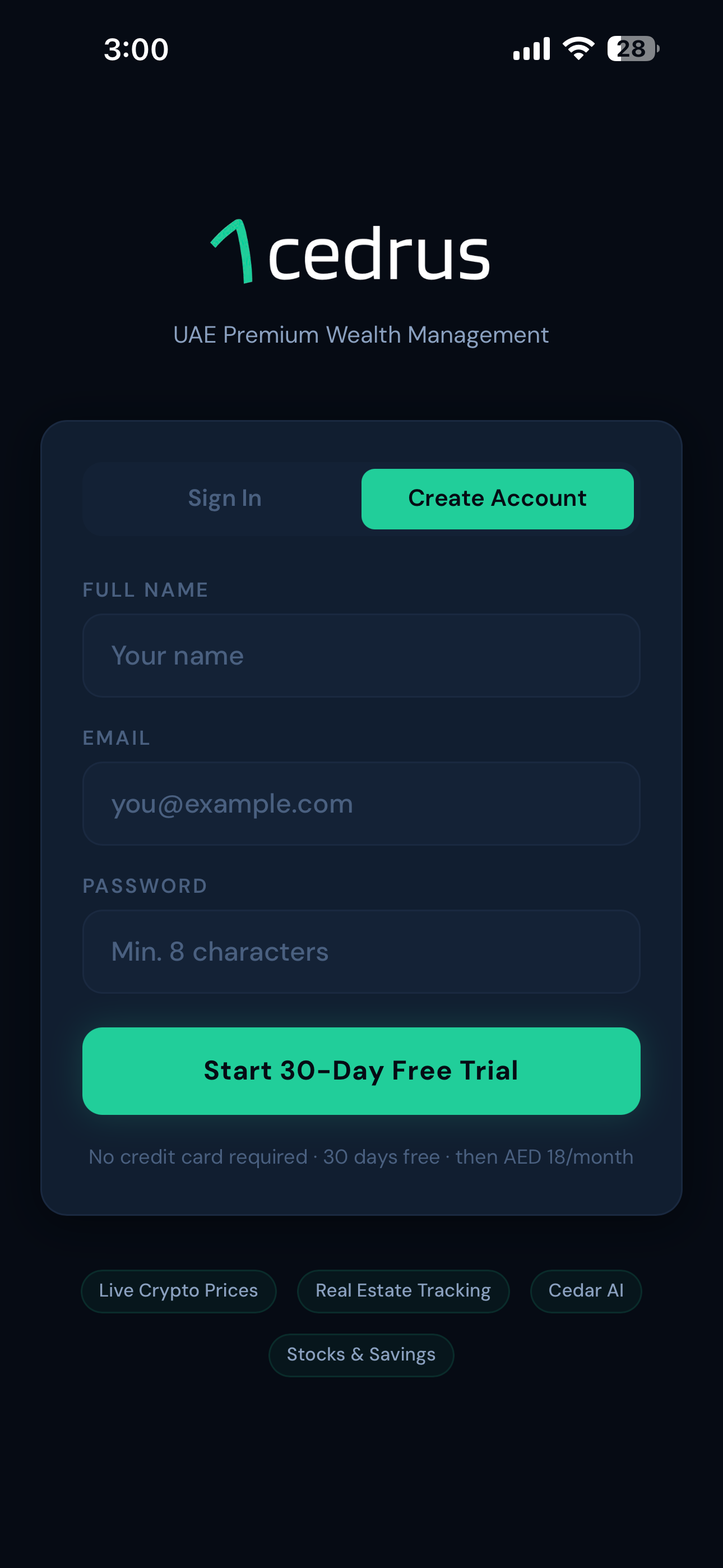
Search for Cedrus on the App Store or tap the button below. Create your account with your email. It takes under a minute. Your 30-day free trial starts automatically.
Your dashboard, starting from zero
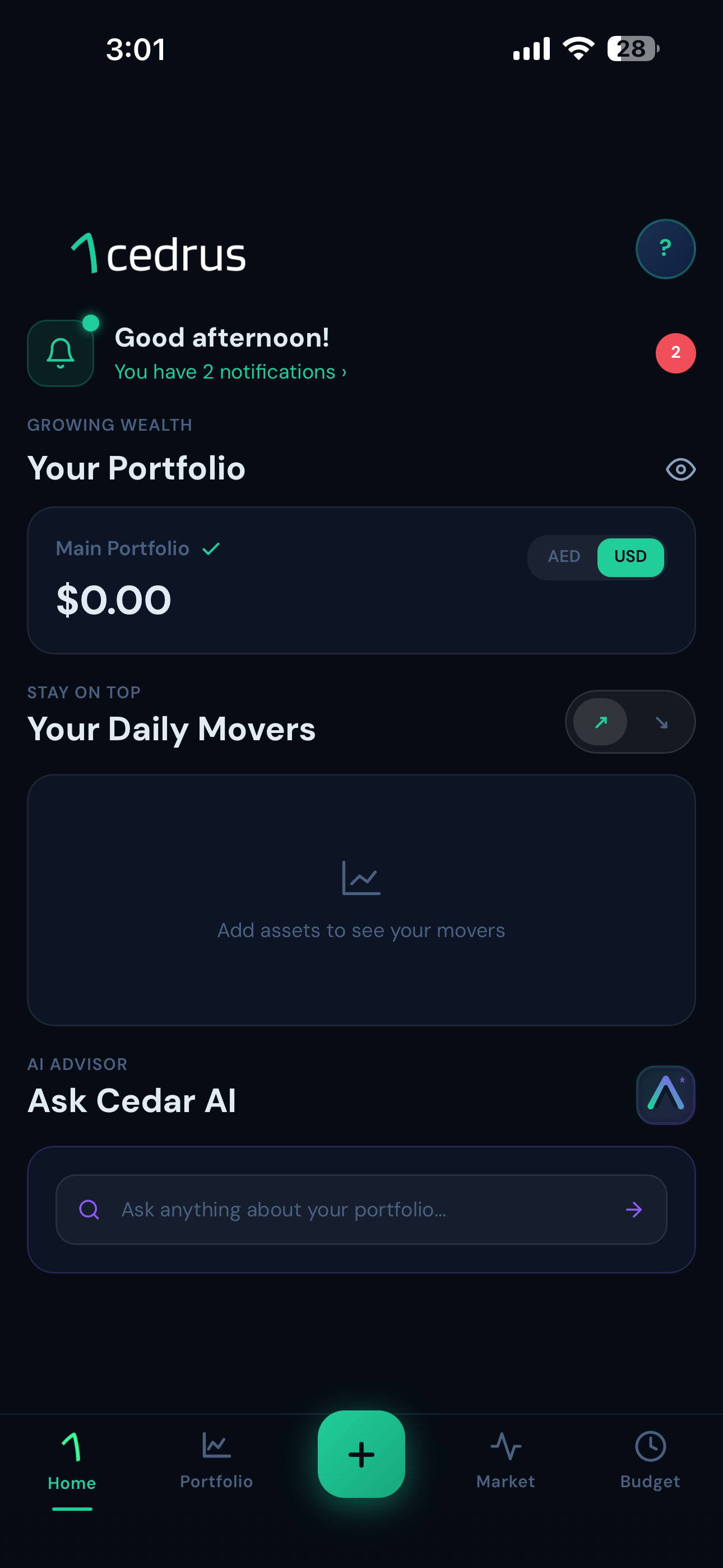
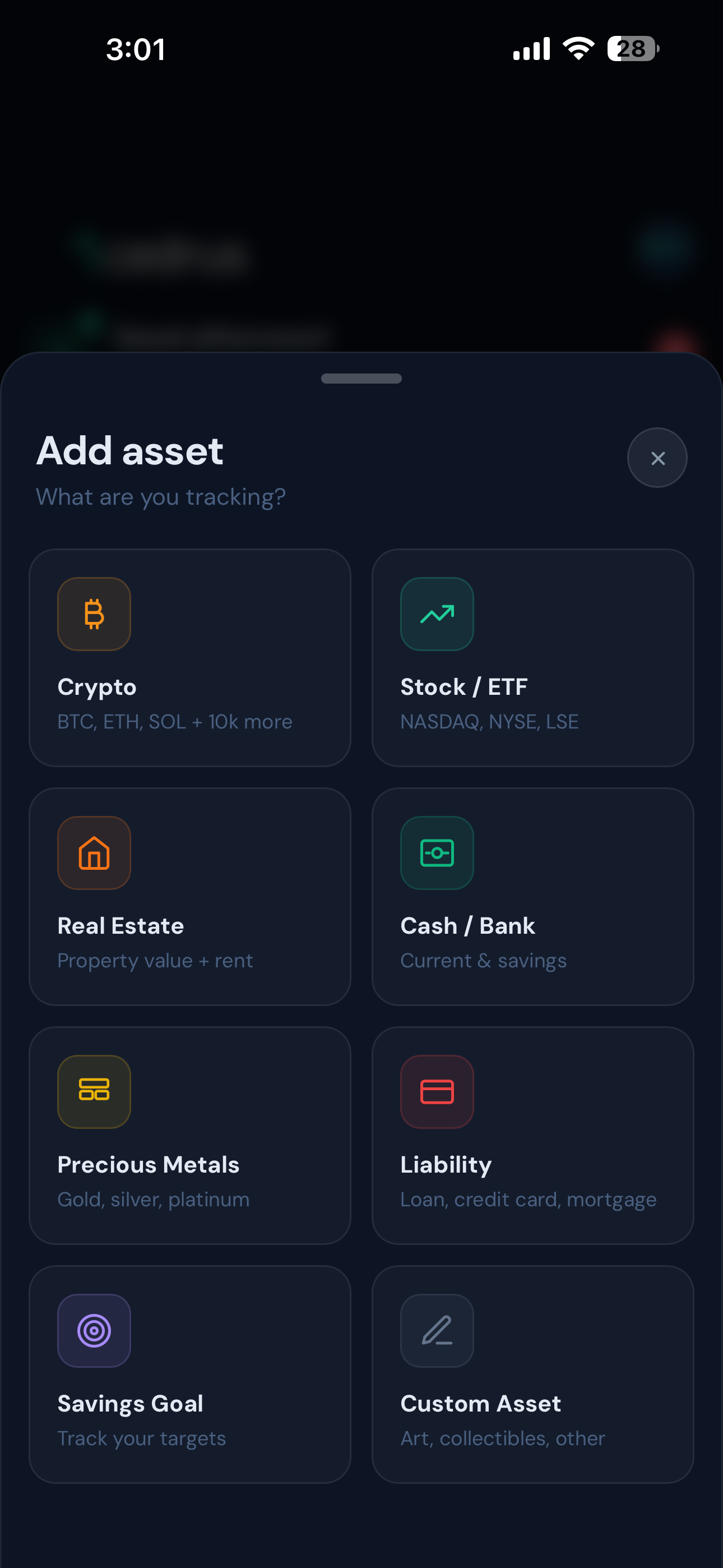
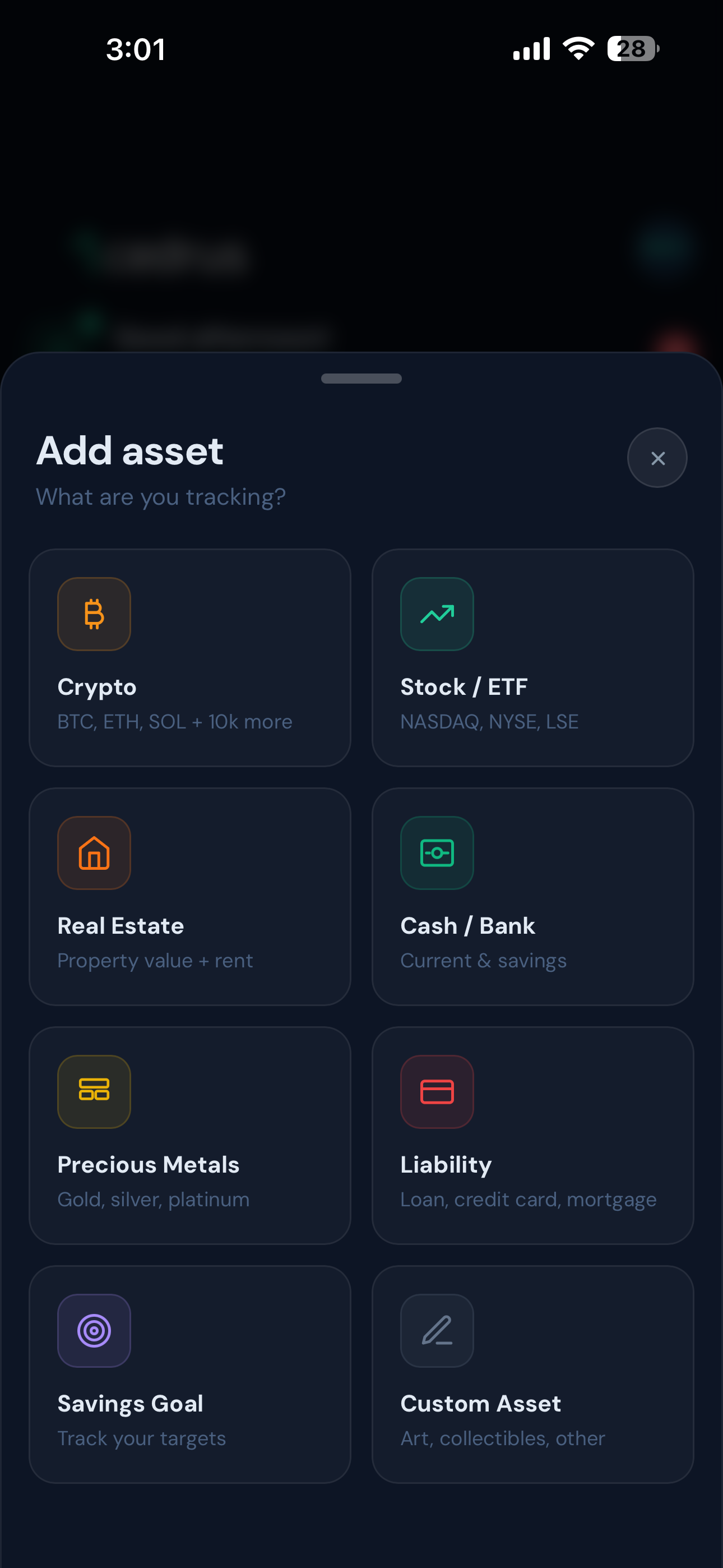
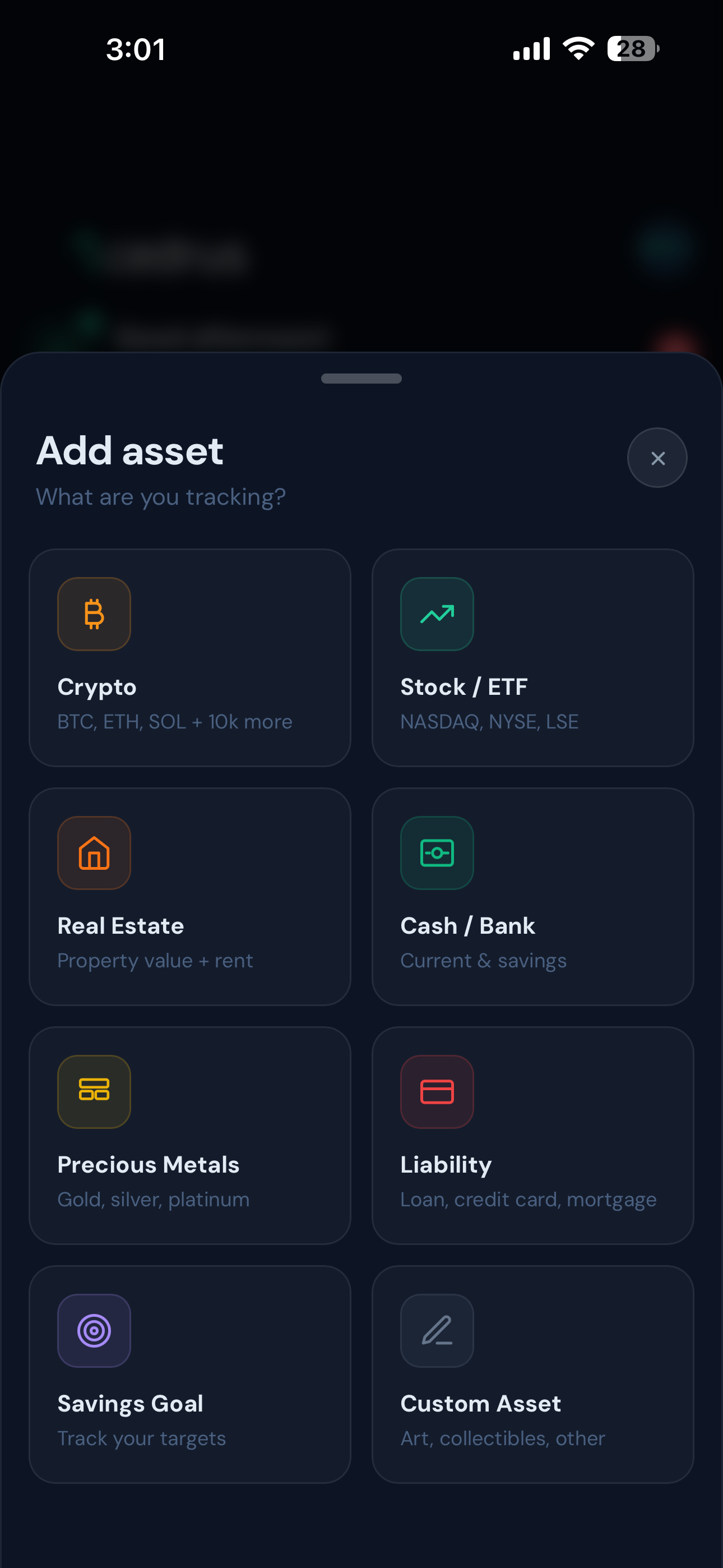
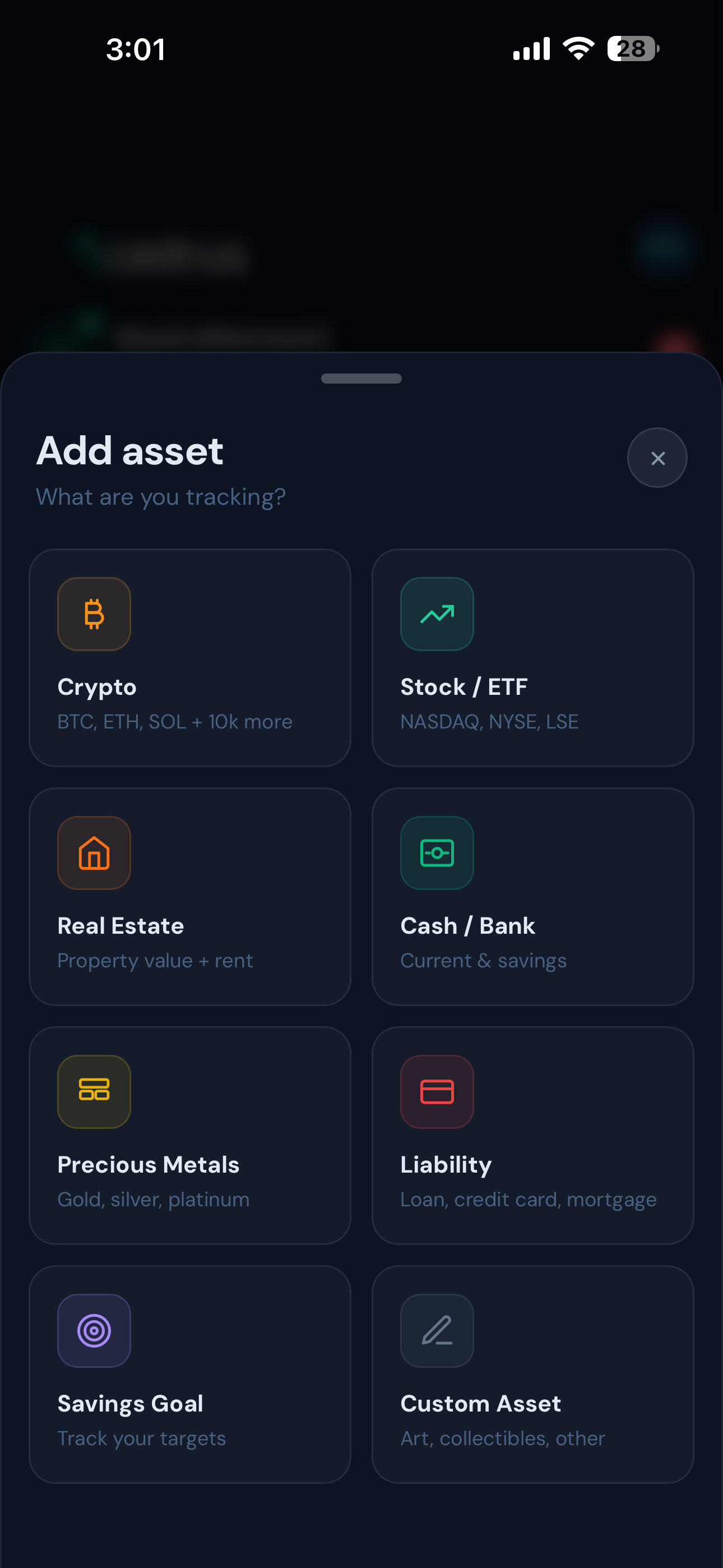
When you first log in, your net worth shows AED 0. That's expected. Tap "Add Asset" to start building your portfolio. Each asset you add updates your total instantly.
Add your crypto holdings
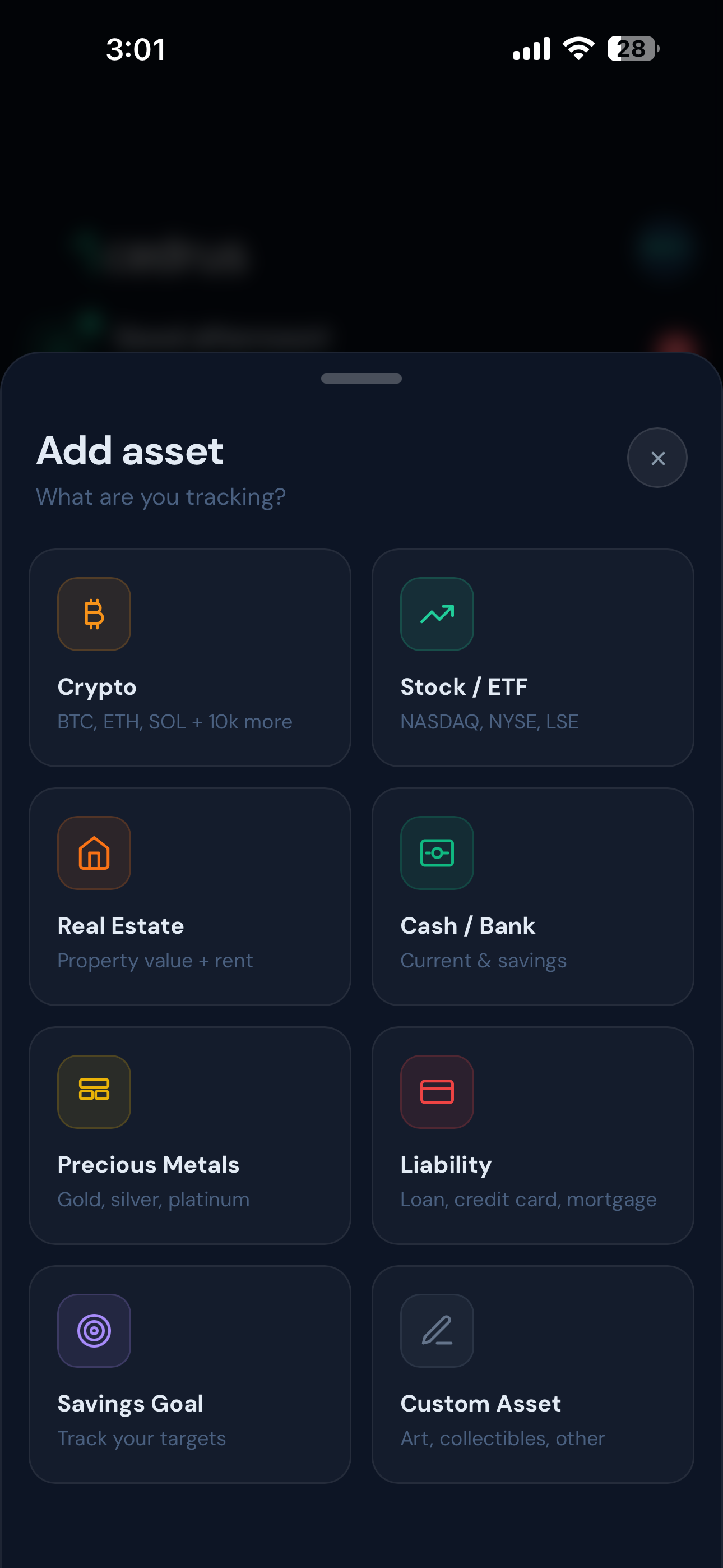
Tap Crypto from the Add Asset menu. You have three ways to add your holdings. Choose whichever fits how you hold your crypto.
Add your stock portfolio
Tap Stocks from the Add Asset menu. Search by ticker or company name (e.g. AAPL, TSLA, AMZN). Enter the number of shares you hold. Cedrus pulls the live price and converts it to AED automatically.
Add your UAE properties
Tap Real Estate and add each property you own. Enter the property name, estimated value in AED, and optional rental income. Cedrus calculates your rental yield and tracks it as part of your net worth.
Add your gold holdings
Tap Gold and enter how much gold you hold, by weight (grams or ounces) or by AED value. Cedrus tracks the live gold price and updates your holding value automatically.
Add your bank savings
Tap Savings and add your bank accounts. Enter the bank name, balance, and currency. You can add multiple accounts across different banks and currencies. Cedrus converts everything to AED.
See your complete net worth
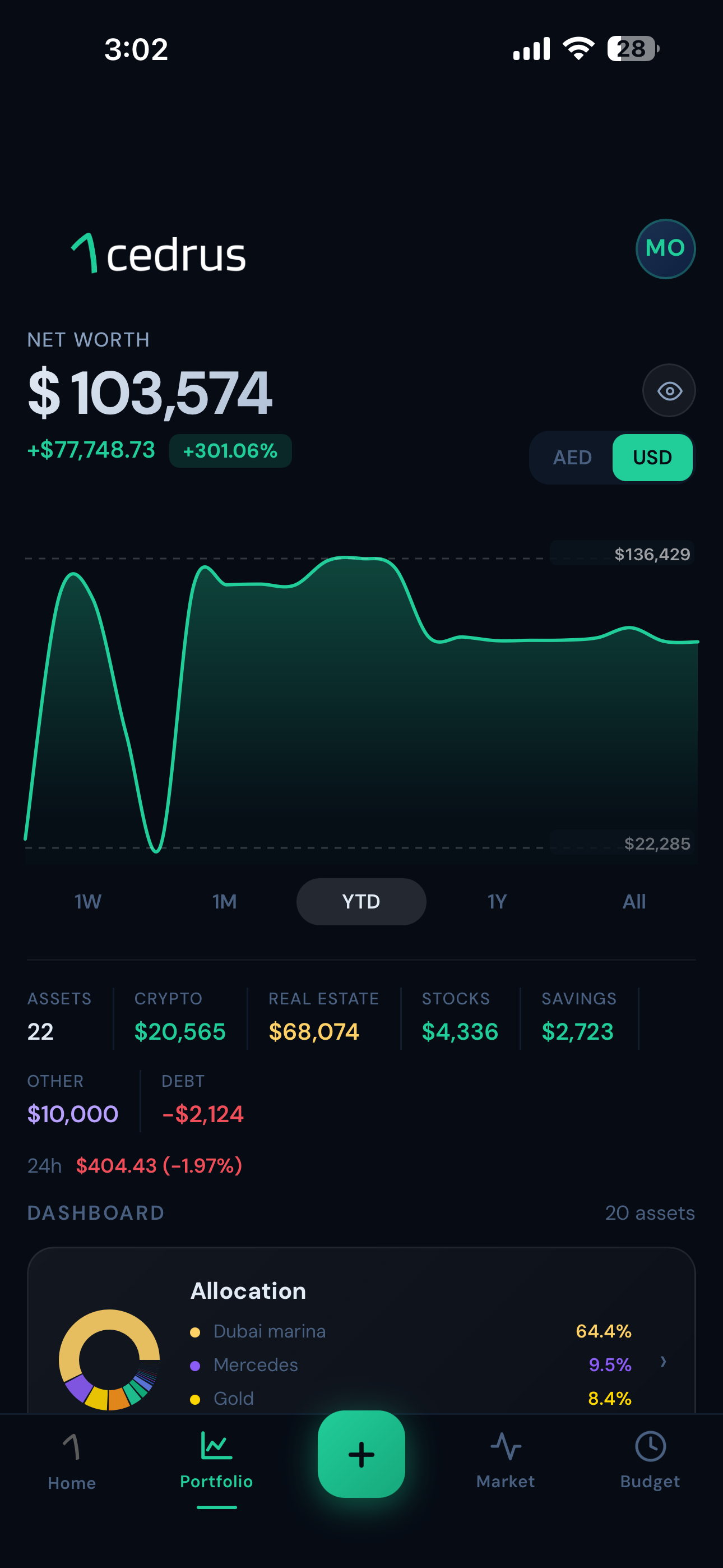
Once you've added your assets, your dashboard shows your total net worth in AED, with a portfolio graph, asset allocation breakdown, and daily movers. Everything updates in real time.
Ask Cedar AI about your portfolio
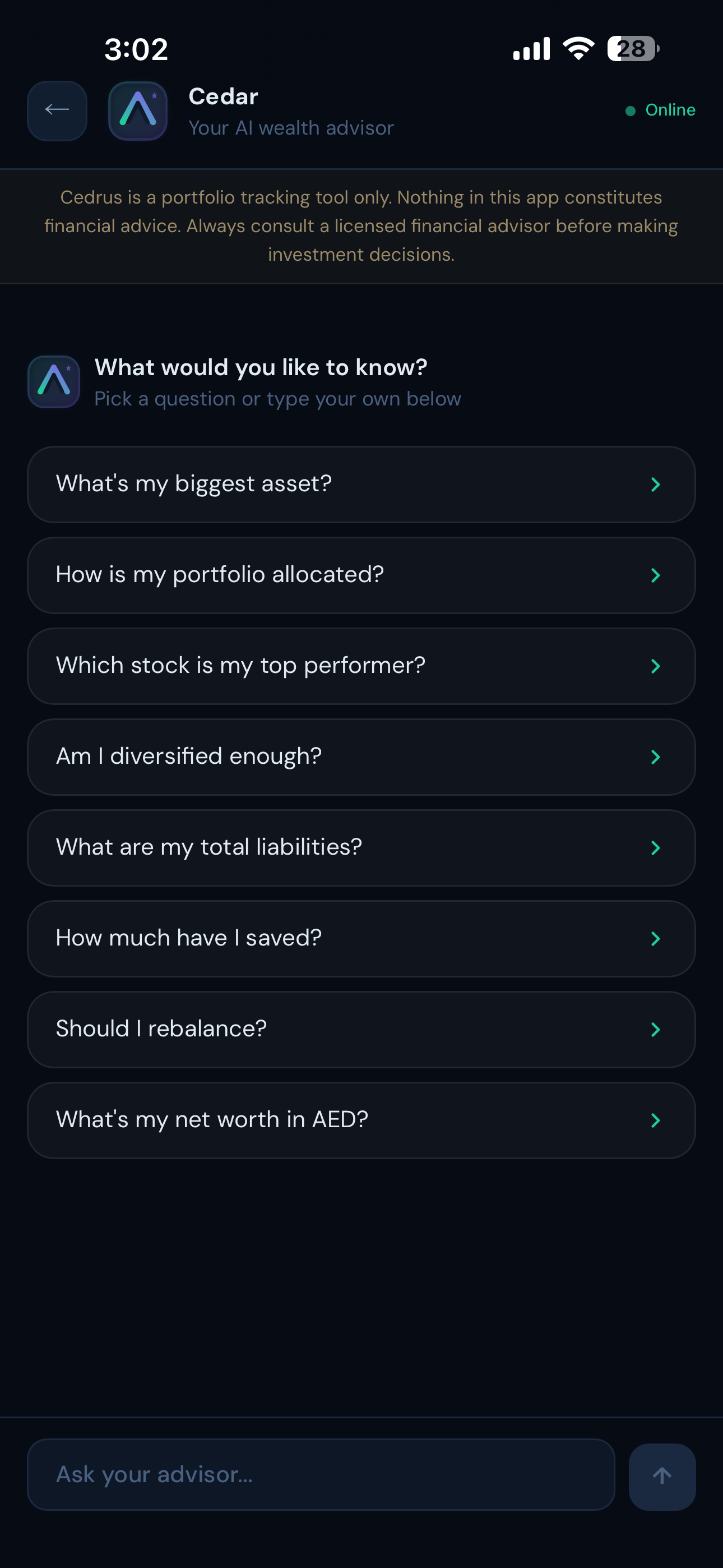
Scroll down on your dashboard to find Cedar AI. Ask it anything about your portfolio: performance, risks, rebalancing suggestions. Cedar knows your actual numbers and gives you personalised answers in seconds.